SM
Sarah M.
Just joined
Melbourne, VIC 19+ yrs
Post a gig in 60 seconds, get bids from analytics & performance trackings nearby. You pick the one that fits.
Ranked by verified rating, review volume, proximity and profile completeness. Every freelancer joins with an ABN and an Australian mobile.
Not sure who's best for the job? Post a gig and let local analytics & performance trackings send you a quote.
Post a gig. Pick a local freelancer. Pay in stages. All in one web app. Finding great help shouldn't be hard work.
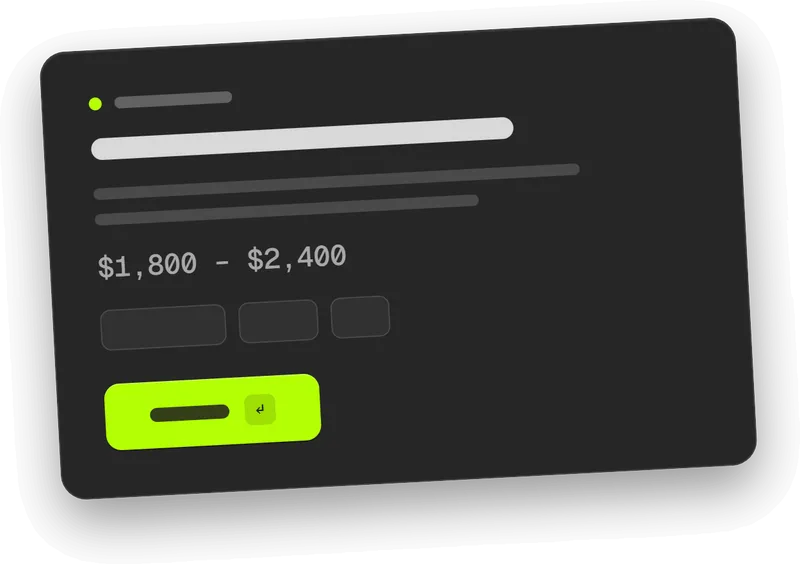
Tell us what you need, time-based or outcome-based. Takes 60 seconds and it's free to post.
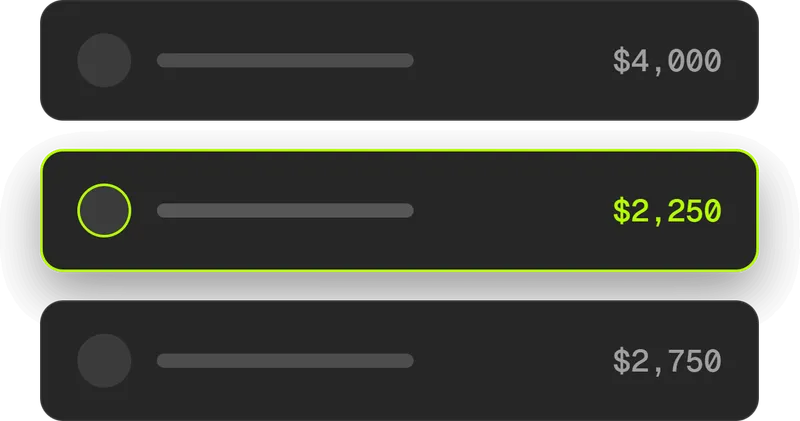
Compare bids from local freelancers, view portfolios and past work.
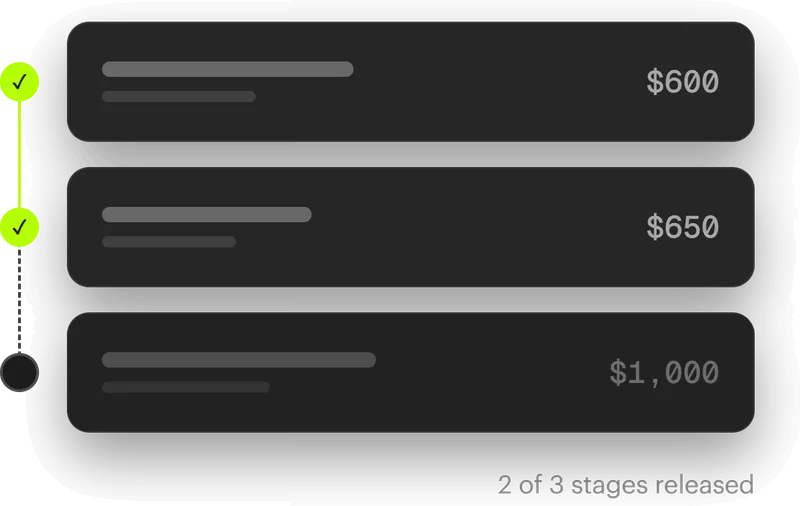
When the work lands and you're happy, sign it off and release the payment securely through Stripe. Done and dusted.
Not sure who's best for the job? Post a gig and let local freelancers send you a quote.
A typical setup covers Google Analytics (GA4) configured properly, conversion and event tracking for the actions that matter (calls, form fills, bookings, sales), Google Tag Manager so future changes do not need a developer, links to Google Ads and Search Console, and a dashboard (usually Looker Studio) you will actually read. Ongoing gigs add a monthly report with what changed and what to do about it.
Because without it, marketing decisions are guesses. Proper tracking tells you which channels bring the enquiries and sales, not just the visitors, so you put next month's budget where it earns. It is the difference between knowing Google Ads brought 12 enquiries at $40 each and feeling like the ads are 'probably working'.
The actions that map to money: phone calls from the website, form submissions, bookings, quote requests, online sales. Then where each one came from (Google search, ads, socials, referrals). Pageviews and session counts are background noise; if a metric cannot change a decision about where you spend, it does not belong on your dashboard.
The standard stack is GA4, Google Tag Manager, Search Console and Looker Studio, all free from Google, plus the Meta Pixel if you run Facebook or Instagram ads. Call tracking and heatmap tools add a small monthly fee if you need them. The real cost is the expertise to set it up cleanly, which is what the gig pays for.
The basic install, yes; Google walks you through it. The hard parts are conversion events that fire correctly, tracking that survives website changes, filtering out your own visits and spam, and connecting ads data so costs line up with results. Badly configured tracking is worse than none because you make confident decisions off wrong numbers. A freelancer sets it up once, cleanly, and hands it over documented.
A clean GA4 and tag setup with conversion tracking usually takes 1 to 2 weeks, including testing that every event fires correctly. A dashboard adds a few days. Allow another few weeks of data collection before the numbers are worth acting on.
You do. GA4, Tag Manager and Search Console should be created under your Google account with the freelancer added as a user, never the other way around. That way the history stays with you if you ever change freelancers. On Unjumble, make account ownership and a documented handover part of the stages before final sign off.
Admin access to your website or CMS, a Google account for the business (not a personal one), and a short list of the actions that count as a win for you: a call, a booking, a sale, a quote request. If you run ads, have the ad account logins ready so cost data can be connected too.
It depends on how many conversions you need tracked, how many platforms connect in (ads accounts, call tracking, ecommerce), and whether you want a dashboard and ongoing reporting or a one-off setup. A straightforward GA4 and conversion setup sits at the lower end; ecommerce and multi-platform builds cost more, and monthly reporting is usually a small retainer. Post the gig with your website platform and goals listed and compare bids from local freelancers.
Post an analytics and tracking gig in under five minutes. Describe the work, set your budget and timeframe, and choose whether it is time-based or outcome-based. Local freelancers send a bid with a quote, you compare their profiles, portfolios and reviews, then pick the one that fits. Posting is free, so you only pay for the work.
Every gig is split into stages you both agree on up front. You fund each stage before the work starts and it is held securely through Stripe, then released once you sign off. No chasing invoices, and no paying for work that is not done.
Gigs, kept local.
Australia-only marketplace pairing local businesses with local marketing freelancers.

© 2026 Unjumble Group Pty Ltd, Australia·ABN 52 675 599 621